
Main features
STM32CubeMX is a user-friendly configuration and code generation tool for STM32 microcontrollers and microprocessors. It allows developers to generate optimized project outputs in a fast and effective way.
STM32CubeMX is available in two offerings: STM32CubeMX and STM32CubeMX2, each supporting specific STM32 series.
- Pinout
- Clock
- Peripherals
- Software components
- File generation
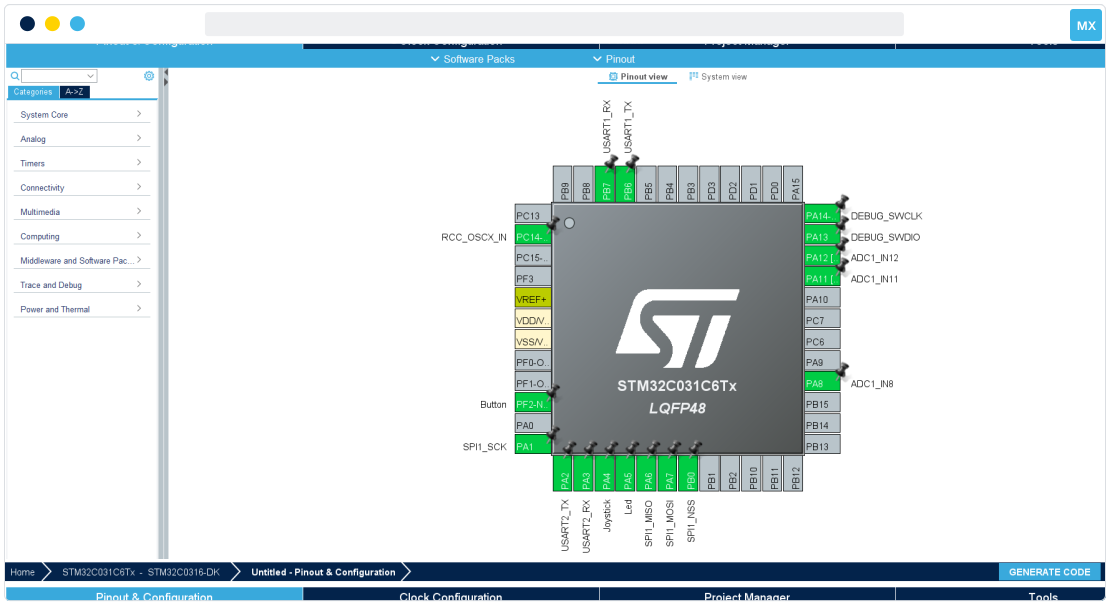
Pinout configuration
Define your pinout configuration for your overall system.
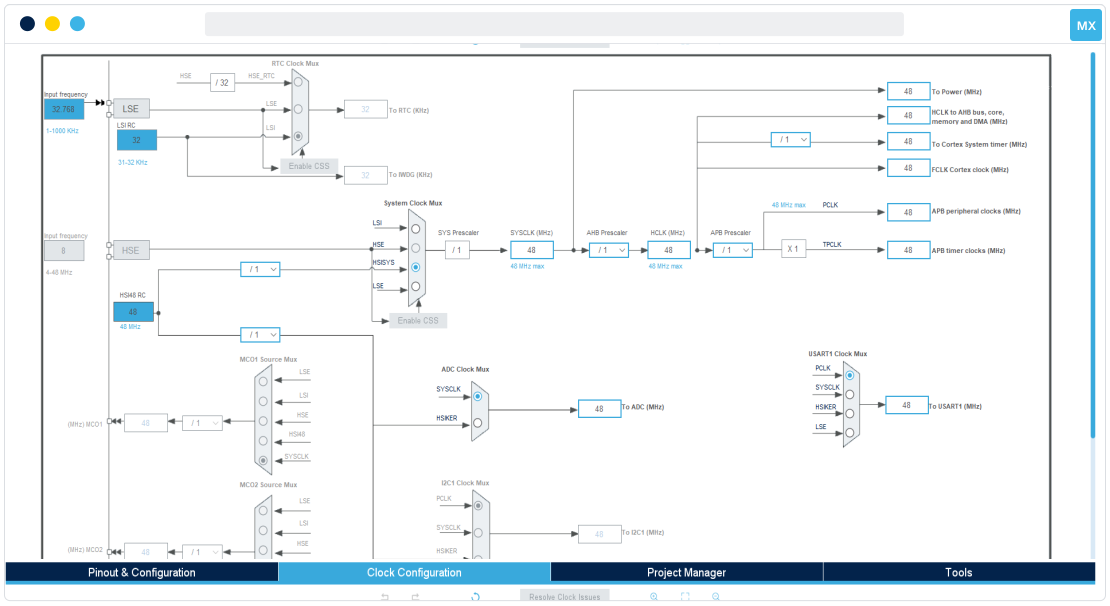
Clock configuration
Visualize the clock tree configuration and use the automatic solver to adapt the clock based on your needs.
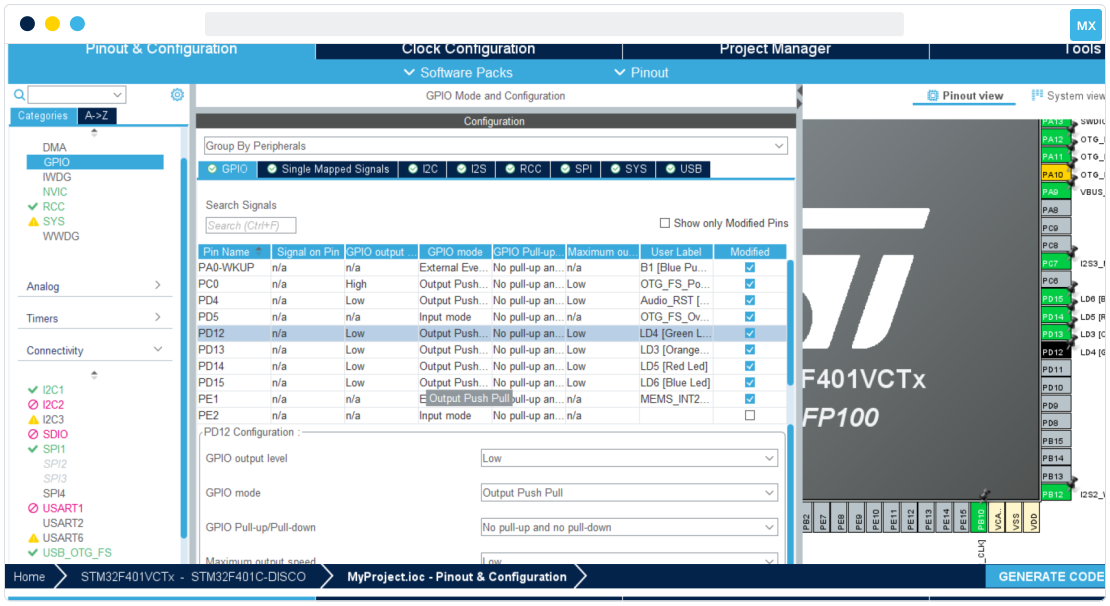
Peripheral configuration
Configure every peripheral for your project initialization while effectively managing hardware resource sharing.
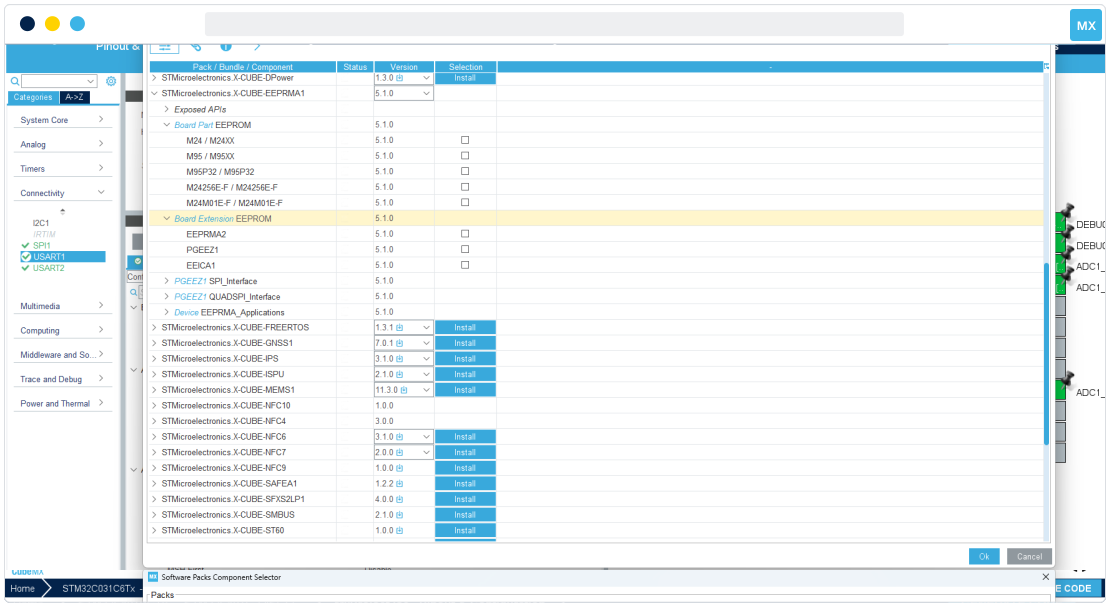
Add software packages
Manage additional software packages and their dependencies. Add them to your project, and configure them just like any other native peripheral or middleware.
Configure and generate the project
Finetune your project configuration and select your target IDE toolchain. Finally, generate the C code and include all the selected libraries in your project.
- Pinout
- Clock
- Peripherals
- Software components
- File generation
Pinout configuration
Define your pinout configuration for your overall system.
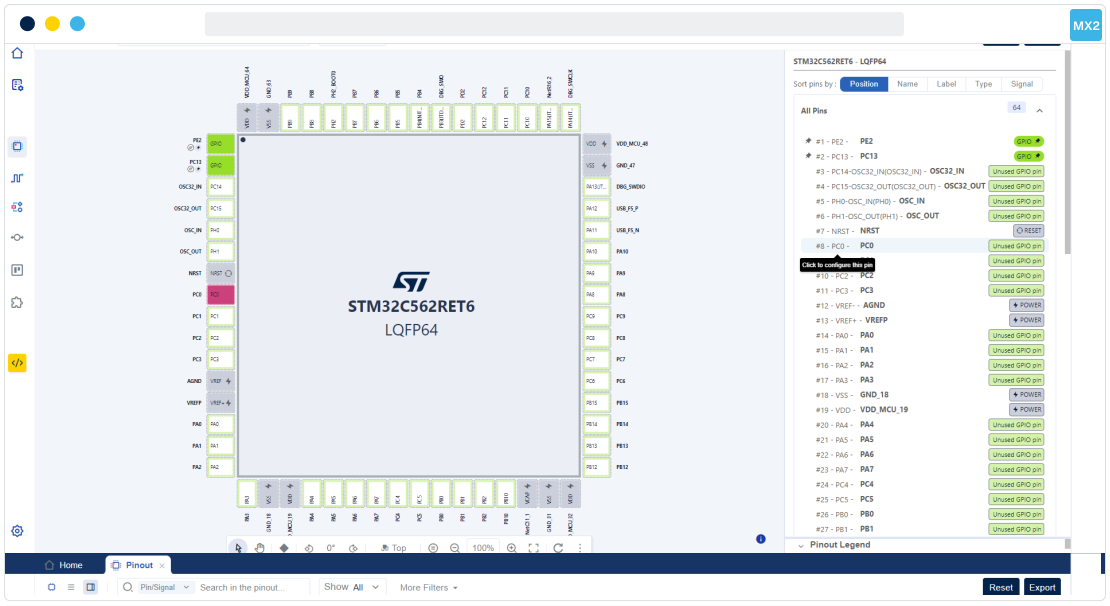
Clock configuration
Visualize the clock tree and its configuration and use the automatic solver to adapt the clock based on your needs.
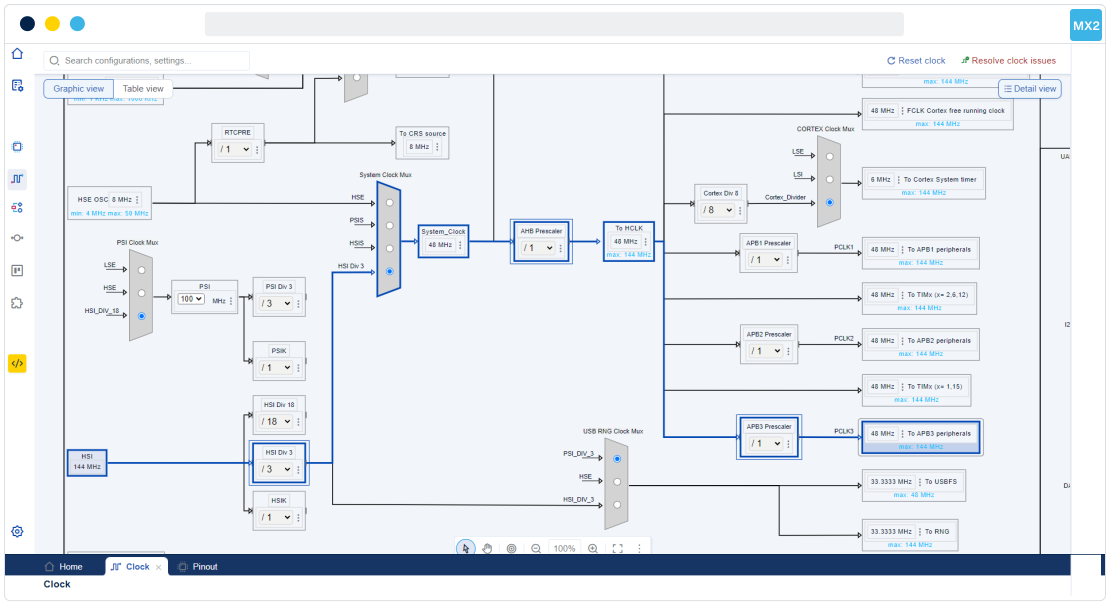
Peripheral configuration
Configure every peripheral for your project initialization while effectively managing hardware resource sharing.
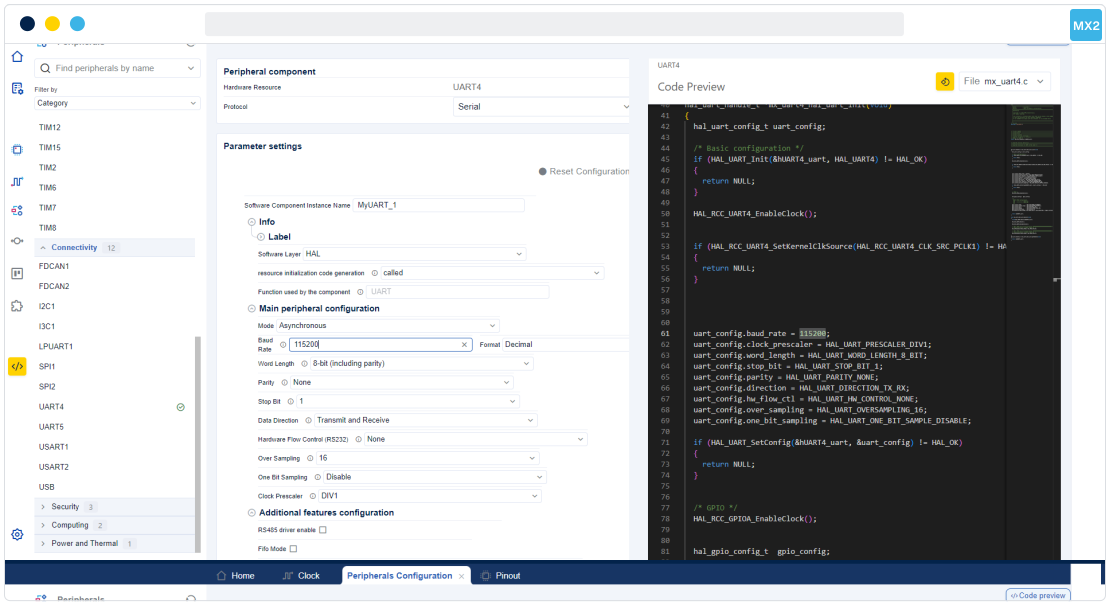
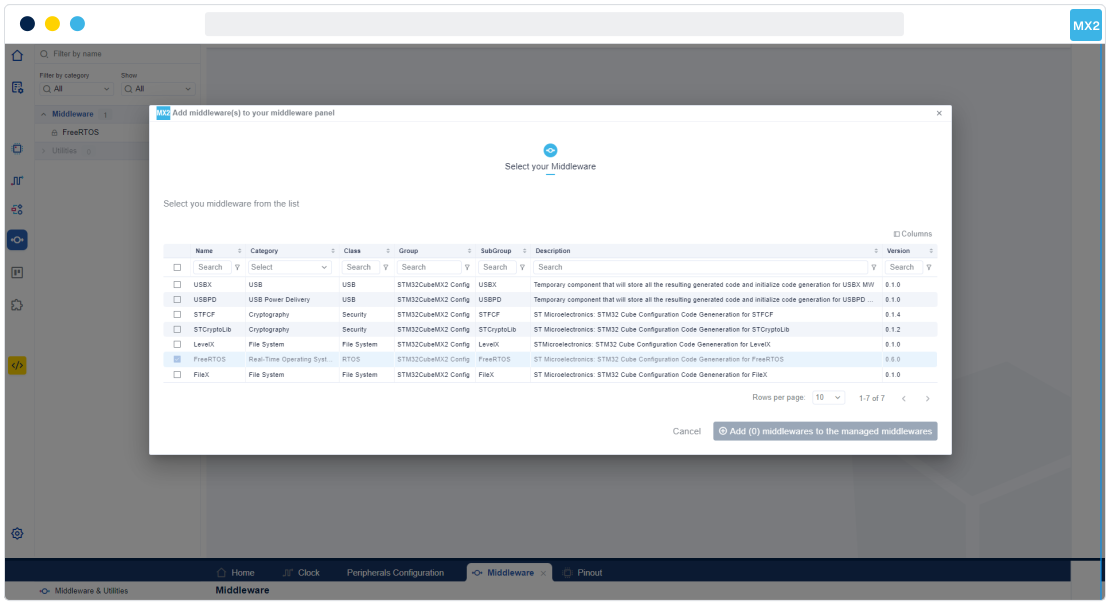
Add software packages
Manage additional software packages and their dependencies. Add them to your project, and configure them just like any other native peripheral or middleware.
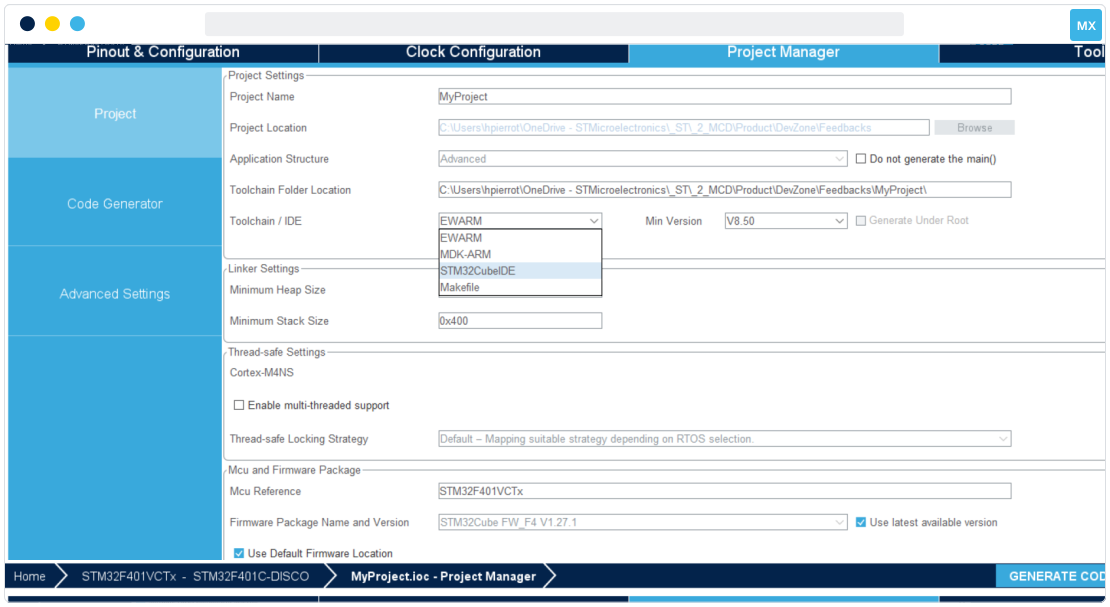
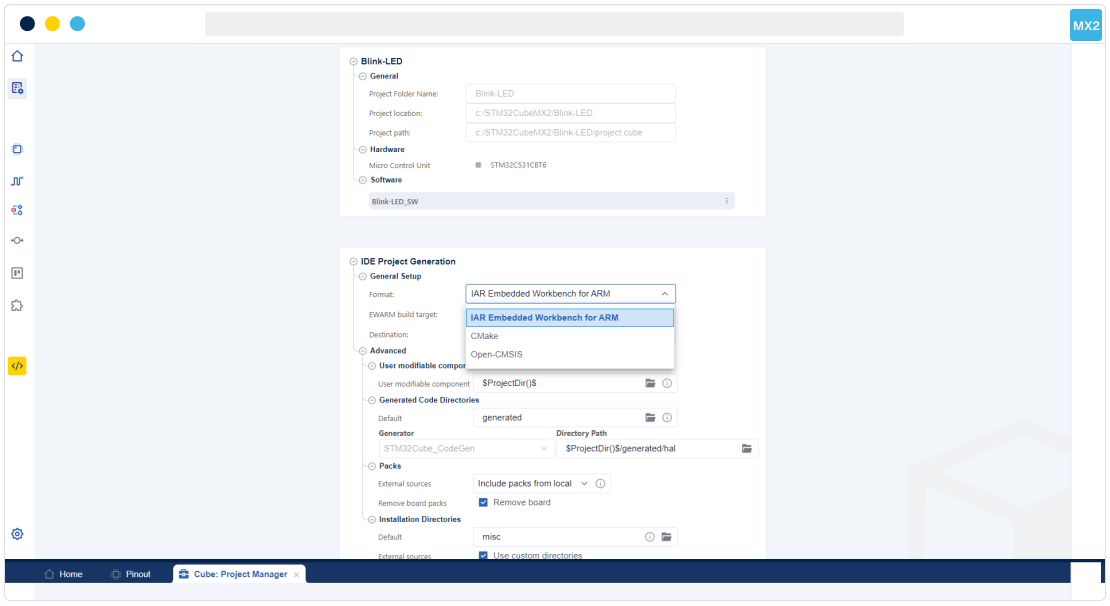
Configure and generate the project
Finetune your project configuration and select your target IDE toolchain. Generate the C code and include all the selected libraries in your project.
Resources to start your project

Frequently asked questions
What is STM32CubeMX?
STM32CubeMX allows users to generate and initialize C code for peripherals, and to manage project settings.
What is the difference between STM32CubeMX and STM32CubeMX2?
STM32CubeMX2 introduces enhancements such as the code preview feature during configuration.
These improvements significantly contribute to increasing design efficiency and user experience.
Which STM32 microcontrollers are supported by STM32CubeMX and STM32CubeMX2?
What is the difference between STM32CubeMX and STM32CubeIDE?
STM32CubeIDE is an integrated development environment that allows developers to start their projects using the ones generated by STM32CubeMX, and to work on the application layer before compiling and debugging the project.
How to generate code using STM32CubeMX?
The tool will then produce a C initialization code project, which is compatible with various development environments, such as STM32CubeIDE or Keil MDK.
Can I modify the generated code? Will STM32CubeMX overwrite my changes?
Any code written within these specific sections will be preserved. It will not be overwritten if the code is regenerated later on.
For STM32CubeMX2, the new code strategy will separate the STM32CubeMX2 generated code and the user code in different files.
How to update STM32CubeMX to its latest version?
Navigate to "Help" and "Check for Updates", or go to "Help" and "Manage embedded software packages".
The tool will detect the latest version available and then allow you to download and install it, together with the required microcontroller firmware packages.
Are STM32CubeMX and STM32CubeMX2 available for free?
How to download and install STM32CubeMX?
Then run the installer and follow the on-screen instructions to complete the installation process.
What if my question is not listed here?
Visit our online documentation for direct access to additional guidelines, examples, and in-depth articles.